Accessibility links
  • Skip to main content
News Icon NEWS FILTER
All News Scams & Phishing Your Security Mobile Security Identity Theft Corporate Security Security Education Videos
Search Icon SEARCH
 

Email Icon SUBSCRIBE TO WEEKLY NEWSLETTER
Your Hotel's Wi-Fi May Be Working Against You
Facebook   X   LinkedIn   Email

Your Hotel's Wi-Fi May Be Working Against You

October 18, 2026

You check into your hotel, grab your laptop, and connect to the Wi-Fi. You enter the room number and password, open your browser and head to Microsoft 365.

Everything looks normal, but it may not be.

Security researchers at ReliaQuest recently reported a campaign in which attackers have been compromising Wi-Fi gateways at hotels, conference centers, and other shared locations. The activity has been observed since at least June 2026 and has affected networks in multiple U.S. cities. But they’ve also gone worldwide into locations in India and Saudi Arabia.

Once attackers gain control of the Wi-Fi equipment, they can manipulate DNS. In plain English, DNS helps your device find the website you are trying to visit; liken it to an “old fashioned” phone or address book. By tampering with it, criminals can quietly send you somewhere they control.

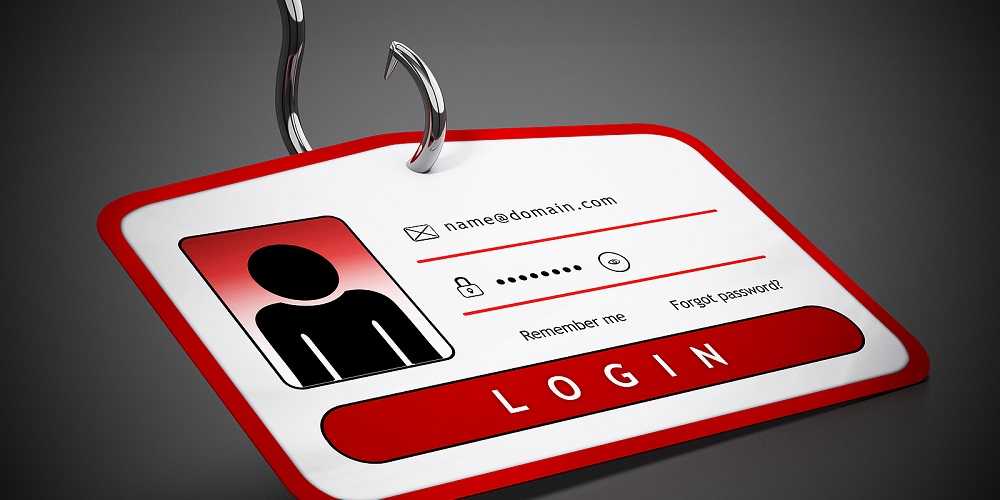
That means you could type in a legitimate Microsoft 365 address and still wind up on a fake login page designed to steal your information.

And it gets sneakier.

ReliaQuest also observed attackers abusing Microsoft’s device-code sign-in process. In some cases, a victim could be shown what appears to be a legitimate Microsoft authorization request. Approving it could give the attacker a valid session, potentially allowing them to access the victim’s Microsoft 365 account even though the victim never handed over a password.

ReliaQuest says the techniques resemble attacks previously associated with  the group APT28, also known as Fancy Bear and Forest Blizzard. However, the researchers stop short of directly attributing this campaign to that group.

What can you do?

  • Avoid accessing sensitive work accounts on public Wi-Fi when possible.
  • Use your company’s VPN, especially if it is configured to remain connected.
  • Never approve an unexpected Microsoft sign-in or device authorization request.
  • If a login page looks unusual, stop and contact your IT department.
  • Keep your laptop and phone updated with the latest OS versions, patches, and app updates.
  • When traveling for work, consider using a cellular hotspot instead of hotel Wi-Fi.

The important lesson is that sometimes the problem isn’t your laptop. It is the network your laptop just joined.


When What You See Is Not What You Get

Corporate Security

When What You See Is Not What You Get

Although it may sound strange, bad actors are exploiting what we see – or what we think we see. Always looking for new ways to gain our confidence, cybercriminals are counting on us being human to make this con work. Trust, fear, and concern are some of the emotions being exploited, which is nothing new for hackers. But what is new is taking advantage of our assumption that when we see a trusted website, it’s worthy of our trust…Well, maybe not so much anymore. READ FULL STORY

Simple Habits That Make You a Tougher Target for Cybercrooks

Your Security

Simple Habits That Make You a Tougher Target for Cybercrooks

It’s already well into the new year and a fresh year usually brings fresh goals—exercise more, spend less, maybe try a new hobby. But one resolution that deserves a permanent spot on everyone’s list is tightening up your personal cybersecurity. Cyberthreats don’t take holidays, and scammers aren’t slowing down. In fact, they’re getting bolder, trickier, and faster at finding new ways to get into your accounts and steal your money or data. READ FULL STORY

5 Security Mistakes Made At Work

Corporate Security

5 Security Mistakes Made At Work

I can’t remember how many people have told me lately that since the end of the pandemic, they have been working from home full-time. However, that also means that the organization they work for assumes additional risk from cyberattacks. You see, once an employee is outside the confines of their organization’s network, it’s up to them to follow cybersecurity guidelines and policies set up by the company. Sadly, many people don’t realize the additional risk they add when working from home, the local library, or the pub around the corner. READ FULL STORY

A Hidden Flaw That Could Be Lurking in Your Android

Mobile Security

A Hidden Flaw That Could Be Lurking in Your Android

Your Android phone might be carrying around more than just your apps and photos. A newly discovered security flaw could affect as many as 1 in 4 Android devices, and the tricky part is it hides deep inside the hardware. Researchers say it can be exploited in under a minute, potentially exposing passwords, PINs, and other sensitive data. It sounds like something out of a spy movie, but it’s very real. The good news is you don’t need to ditch your phone. A few quick checks and simple habits can help keep your digital life from becoming easy pickings. READ FULL STORY

Your Secure Wi-Fi Might Actually Be a Snitch

Your Security

Your Secure Wi-Fi Might Actually Be a Snitch

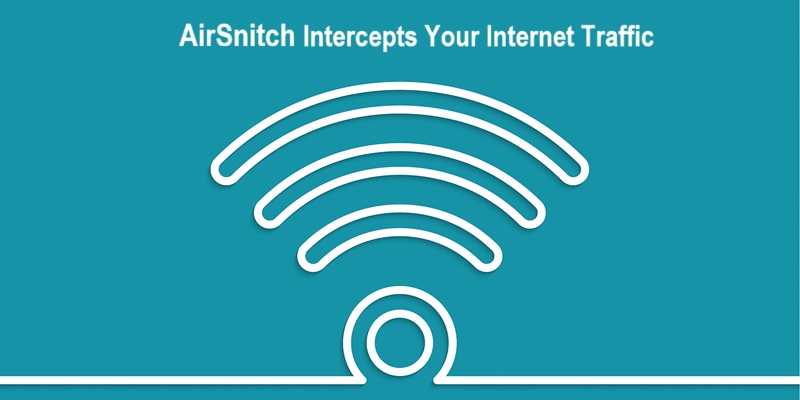
If you assume a password-protected Wi-Fi network keeps your internet activity private, you shouldn’t. Security researchers have revealed a new Wi-Fi attack called AirSnitch that could allow hackers on the same network to secretly intercept your internet traffic. The technique doesn’t break Wi-Fi encryption like previous similar attacks. Instead, it tricks the network into sending your data through the attacker’s device, potentially exposing logins, browsing activity, and more on shared networks like airports, hotels, and cafés. READ FULL STORY


Close
Fraud News & Alerts!

Keep up with the latest cyber security news through our weekly Fraud News & Alerts updates. Each week you will receive an email containing the latest cyber security news, tips and breach notifications.


You're all set!

You will receive your first official security update email within the next week.

A welcome email has also just been sent to you. If you do not receive this email within the next few minutes, please check your Junk box or spam filter to confirm our emails are not being blocked.


Help  
Enter any word or words you like.        

The email newsletter will arrive from news@stickleyonsecurity.com


Loading
Please wait...