CAPTCHA Used as Bait For Growing Number Of Email Scams
June 22, 2024
Most of us are familiar with the funky CAPTCHA verification window that occasionally pops-up when signing onto a website. CAPTCHA systems lend a level of credibility to those of us asked to verify online that we’re human and not a bot. Seeing it makes us feel better about the site being more secure than others. After all, only a 100% legitimate website or service would dare use CAPTCHA, right? Wrong. This now Google-owned service has become a favorite bait for scammers who want you to believe they’re legitimate, and it’s working big-time. A Proofpoint study showed using CAPTCHA for cyberattacks has grown by 50% since last year.
If you haven’t already come across them, CAPTCHA are those odd boxes that pop-up when signing into some accounts. The highly popular verification system uses two different challenges, or formats, requiring a user response as a security and verification challenge. They can range from clicking on certain pictures, checking a box, or typing-in characters or words that appear in the CAPTCHA box.
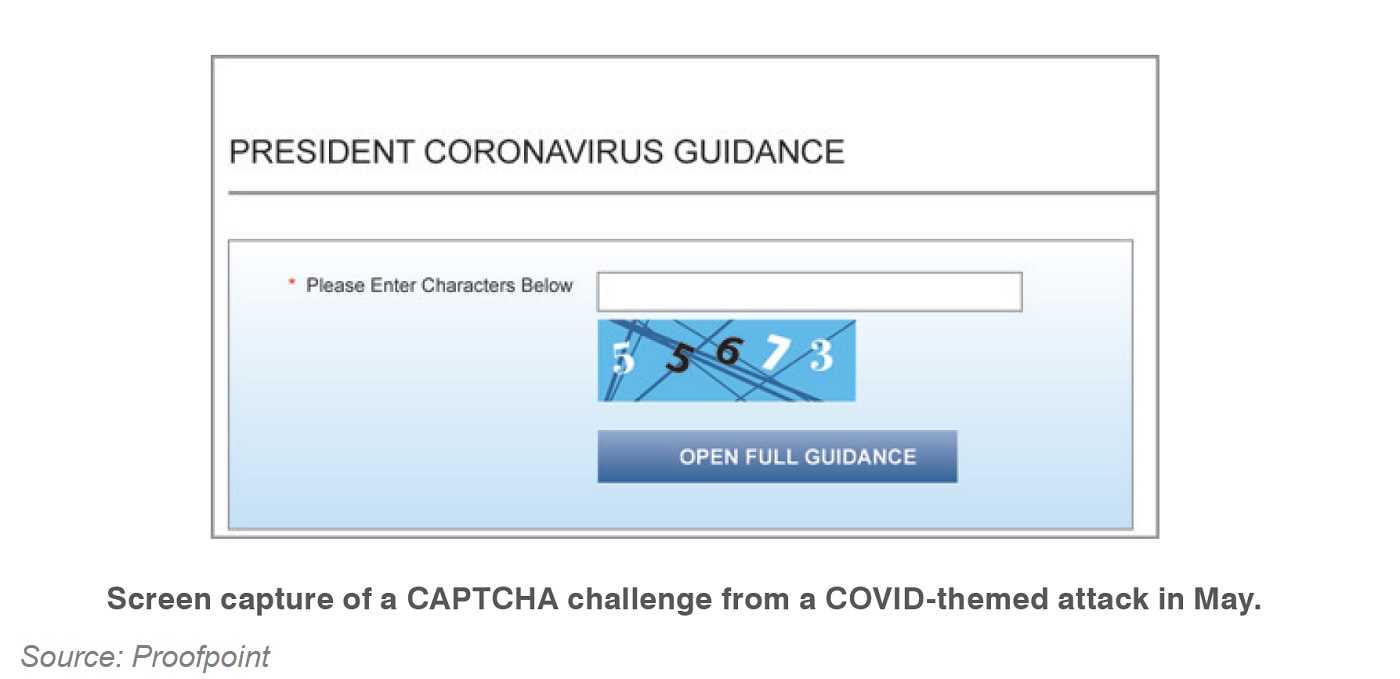
CAPTCHA system isn’t the problem though, it’s the scammers who are using it as bait that’s the issue. The system was designed to keep bots and cybercriminals from using a website to steal information from users. Hackers don’t use CAPTCHA for its intended purpose, but rather hope to make a victim feel safe using the website. A user who feels safer is likely to give-up more sensitive information. Even automated security software looking for phishing sites can pass-up those using CAPTCHA.
Keep Fake CAPTCHAS Where They Belong
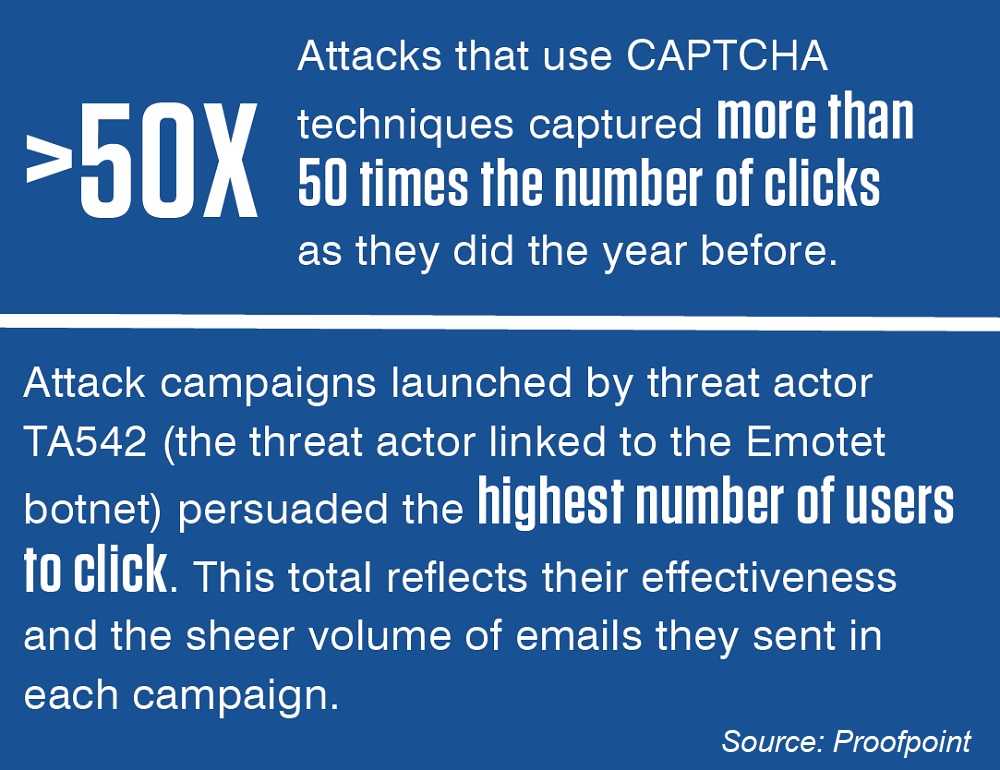 Since phishing and spam are hacker favorites for abusing CAPTCHA, the steps below can help keep hackers out of your accounts and put those bogus emails in the trash where they belong.
- Unique passwords for all online accounts are truly necessary for safety. If a hacker gets a password you’ve used for other accounts, it gives them an open door to those accounts.
- Use caution with links. Any sense that an email may not be legitimate is the reason not to click on links, or even open it in the first place. They can take you to fake websites and more, and they may use CAPTCHA to put you at ease.
- Emails with bad grammar, poor spelling, and generic greetings are the hallmarks of phishing, so don’t take the bait.
- Use two-factor authentication (2FA) when available. If a hacker gets your password to a site, they can’t logon to other accounts you have protected with 2FA. As long as you have your device in your possession, a hacker can’t enter, if it’s 2FA protected. It’s also a great time to change your passwords, using a combination of letters, number, and special characters to be as difficult to guess as possible.

 SUBSCRIBE TO WEEKLY NEWSLETTER