Malicious Apps Evade Official App Store Security – Tips To Avoid Them
November 27, 2023
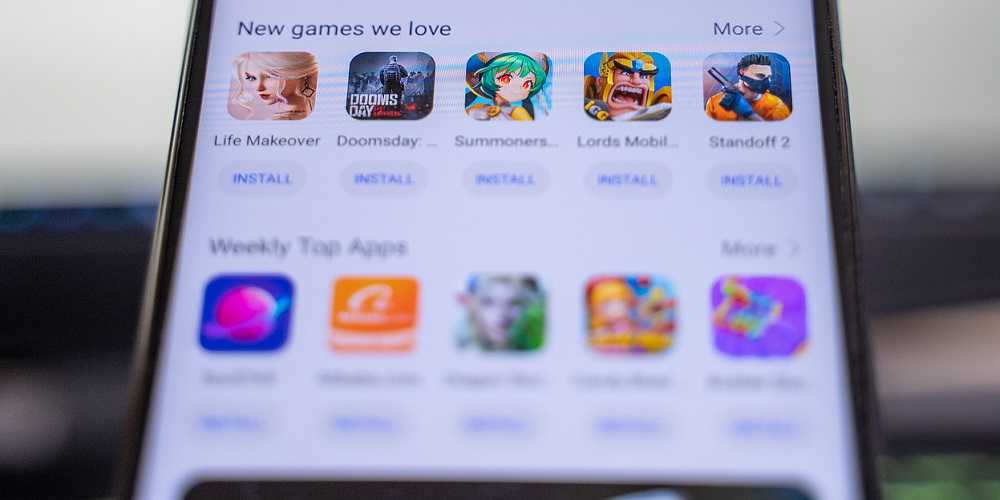
Last year saw a bumper crop of malicious apps and Google Play and Apple App stores found millions of them. These two official app sources stopped a combined 3.13 million bad apps from going public in their stores. But despite their security measures, some malicious apps still get through. Since both stores are by far the safest sources for clean app downloads, it’s important to know how to spot the bad ones before it’s too late.
 How Malicious Apps Still Get Past Security Efforts
The simple answer is that hackers are getting better at hiding their malware and other security violations in their apps. Since technology improves over time it improves for hackers too. That gives them better ways to hide what they don’t want security scans to find, and it’s working. Some malicious apps are designed to sit on the edge of security abuses and so sneak into the official stores.
Research by Sophos suggests there are profit incentives for Google and Apple to let questionable apps slide. Developers pay a chunk of money from these app subscription fees to both app stores, something that could affect their decision to give a security approval or not. This means it’s more important than ever to stay App-Aware
Tips on Staying App-Safe
 Always download apps from the official app stores. Although not perfect, both Google Play Store and Apple App stores take efforts to weed-out malicious apps before making them available, even though some still get through.
- Never download apps from third-party stores, also called “sideloading.” These outlets don’t vet apps for malicious content as well as the official locations, so the likelihood of downloading a bad app is much greater than with the official sources.
- Always read app reviews first. Keep in mind reviews can be faked and glowing opinions don’t mean an app is safe but could mean the exact opposite. If an app has too many great or bad reviews, they’re both reason enough to avoid it.
- Check for bad graphics, bad grammar and typos. Fuzzy, odd-looking logos, typos and bad grammar mean trouble and are sure signs to stay away.
- When a “free app” isn’t free. If you’re thinking about getting a free app, know it’s likely being paid for in other ways. Your PII, including financial info, might be the price you end up paying. Sensitive data is a valuable commodity and hackers can use it in other crimes against you. Free apps may also start charging hefty fees you’re not aware of, so keep tabs on your charges – is a great way to spot “free” apps.
Since some bad apps still get past the official app store’s security efforts, it’s ultimately up to us to avoid them. The above tools are a commonsense approach to staying app-secure, so remember to use them. Your device, your PII, and your bank account will thank you for it!

 SUBSCRIBE TO WEEKLY NEWSLETTER