Accessibility links
  • Skip to main content
News Icon NEWS FILTER
All News Scams & Phishing Security Education Videos Mobile Security Your Security Education Identity Theft Corporate Security
Search Icon SEARCH
 

Email Icon SUBSCRIBE TO WEEKLY NEWSLETTER
The Quick and Dirty on QR Codes
Facebook   X   LinkedIn   Email

The Quick and Dirty on QR Codes

September 15, 2025

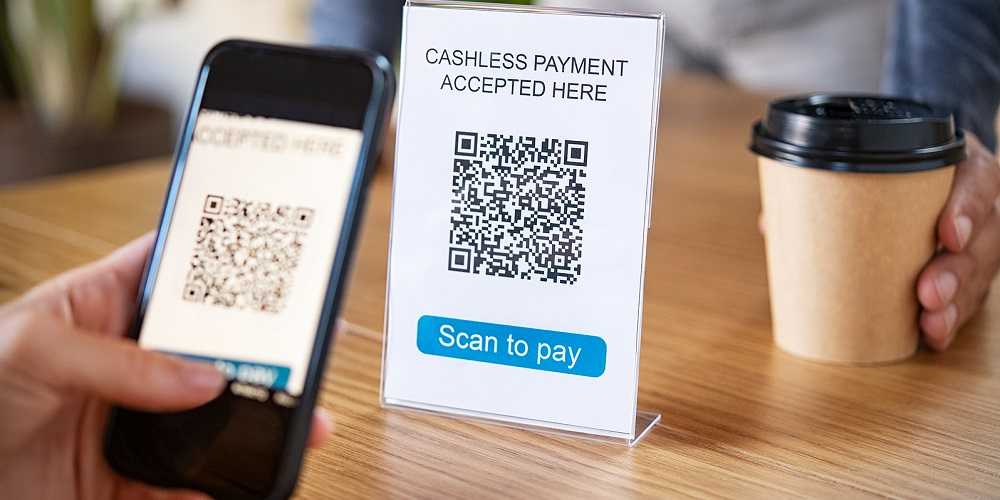
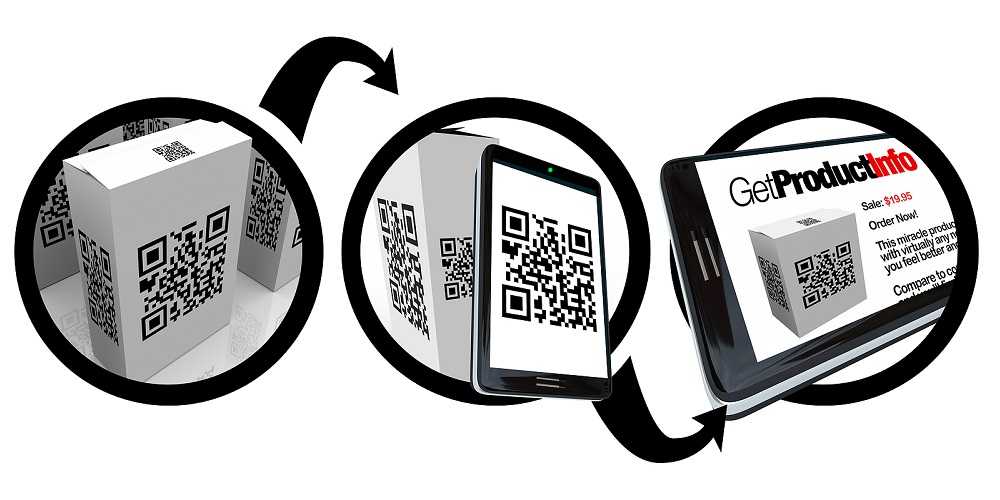
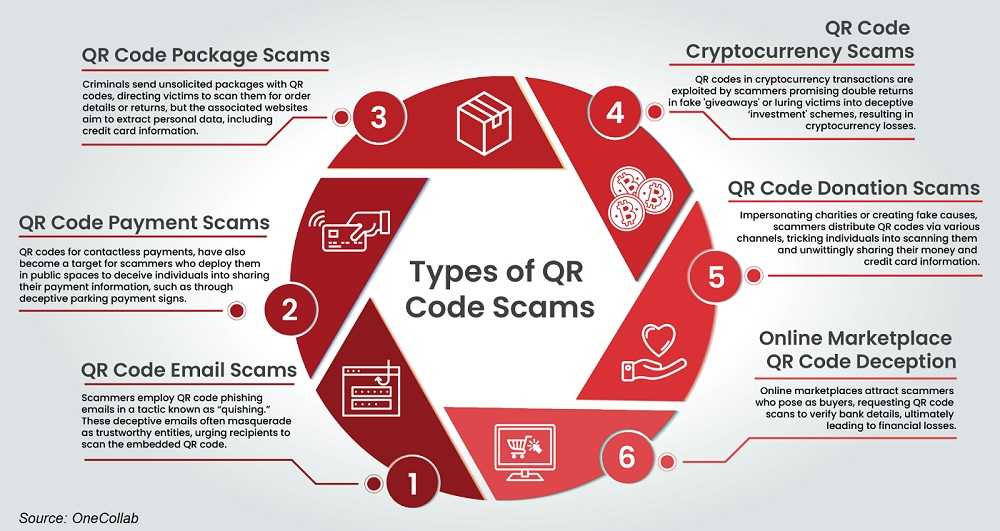
QR codes, those little square mazes, are everywhere nowadays. From accessing restaurant menus to entering sweepstakes and registering new products, they’ve become a staple in modern convenience. However, like any technology, cybercriminals have found ways to exploit these codes, turning them into digital traps.

Here's how criminals might misuse QR codes:

  • Overlaying Real Codes: Scammers might place fake QR codes over legitimate ones on parking meters, menus, magazines, or other public places.
  • Phishing via Messages: They can send emails or text messages containing malicious QR codes, pretending to be from reputable businesses.
  • Credential Theft: Scammers might use QR codes to trick you into giving up login credentials or confirming personal information due to supposed "suspicious activity."
  • Embedded in Ads: QR codes can be embedded in ads on social media or elsewhere, leading unsuspecting users to malicious websites.
To protect yourself, follow these tips:

  • Verify the Source: Treat QR codes like email links or attachments. Only scan codes from trusted sources. Even if a friend sends a QR code, confirm its legitimacy since their device or account might be compromised.
  • Government Scams: Be skeptical of unsolicited QR codes claiming to be from government agencies. These institutions typically communicate via mail for official matters, not through QR codes.
  • Check for Tampering: Examine public QR codes closely for signs of tampering. Fake QR codes might be slightly misaligned, oddly placed, or differ in size compared to the original.
  • Scrutinize URLs: When a QR code directs you to a webpage, carefully check the URL for subtle misspellings or unusual characters, which are common in phishing attempts.
  • Avoid Urgent Scams: If a QR code prompts urgent action, it’s likely a scam. Government agencies won’t demand immediate payments through QR codes; they send official notices by mail.
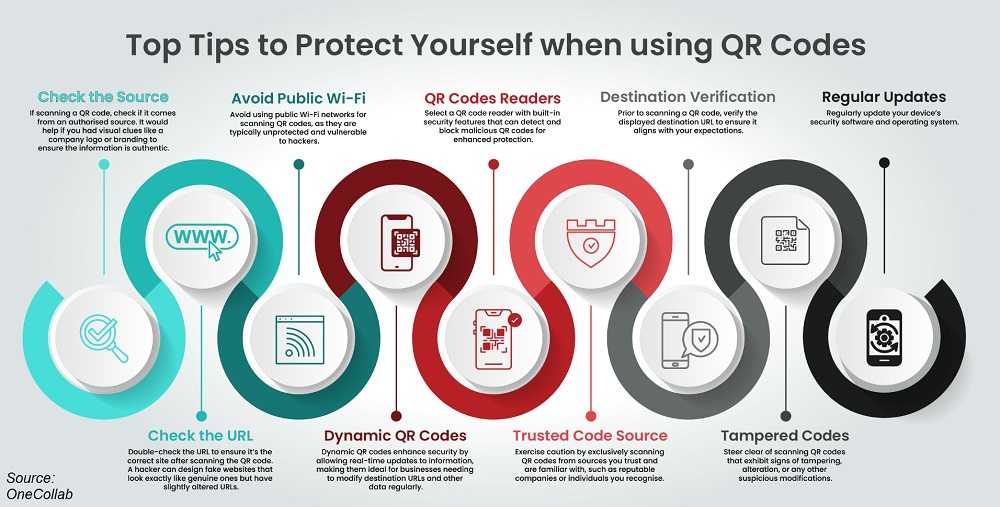
Using the camera on your mobile device to scan QR codes is generally safe, as it avoids the need for potentially risky third-party scanning apps. However, if you must download an app, ensure it’s from a reputable source like the official app store for your device.

Finally, stay vigilant by keeping your device's software updated and using reliable antivirus solutions. This helps protect against potential malware from malicious QR codes.

By following these precautions, you can safely navigate the world of QR codes without falling prey to cybercriminals.


QR Code Phishing Scams Spike 587%

Scams & Phishing

QR Code Phishing Scams Spike 587%

It’s the latest form of email phishing to hit the headlines. Researchers at Check Point find QR code phishing scams, called “Quishing” were up a whopping 587% in just two months. Quishing is a phishing attack using emails to send a malicious QR code. And now this credential-stealing scam has grown into epic proportions. In our growing desire for instant information, QR codes and Quishing present a uniquely tempting challenge. Here’s what you need to know to help avoid Quishing. READ FULL STORY

BOLO for These Most Dangerous Email Attachments

Scams & Phishing

BOLO for These Most Dangerous Email Attachments

Keeping a lookout for suspicious emails has become a daily consequence of our cyber lives. Phishing emails are notorious for having malicious attachments and opening them is a sure way to compromise your device and its data. These attachments are full of malware, ready and waiting to infect your system with a simple click. Make no mistake, any attachment in a questionable email can be dangerous. However, researchers at F-Secure found that some of this year’s biggest email spam campaigns used particular types of malicious attachments more than others. READ FULL STORY

QR Code Scanning Scams – How To Use QR’s Safely And Securely

Mobile Security

QR Code Scanning Scams – How To Use QR’s Safely And Securely

In our never-ending pursuit of info-quick technology, QR (quick response) codes have found a huge following. In return, these codes seem to be everywhere and on everything. From TV screens to product packaging, web pages, and more, QR codes are easy to find. But like most technology we’ve grown to love, cybercriminals love it too but for very different reasons. Some QR-secure tips can help scan fans stay safer and enjoy the benefits of this quick response technology. READ FULL STORY

Email Scams Threaten Extortion And Blackmail

Scams & Phishing

Email Scams Threaten Extortion And Blackmail

An uptick in email scams has cybersecurity professionals concerned, and for good reason. Symantec researchers found that in the first five months of 2019, they prevented almost 300 million extortion email attacks from going forward. Just some of those discovered include blackmail, sextortion, bombs, hit men, and malware threats. The researchers also determined the average cost of paying demands over a 30 day period was $1.2 million in 243 Bitcoin transactions. READ FULL STORY

Online Security Tips From The BBB

Your Security

Online Security Tips From The BBB

Champions of consumers that they are, the Better Business Bureau (BBB) posted a warning reminder on their website about some of the risky online scenario’s consumers face every day. Keeping cyber safety in the forefront of our online activities isn’t always easy, but it’s always possible to do. The BBB knows this and wants consumers to be aware of some of the latest cyber scams and just how truly slippery they can be. It’s well-worth heeding what the BBB has to say about cybercrime and how to avoid the pitfalls that every hacker hopes we fall into. READ FULL STORY


Close
Fraud News & Alerts!

Keep up with the latest cyber security news through our weekly Fraud News & Alerts updates. Each week you will receive an email containing the latest cyber security news, tips and breach notifications.


You're all set!

You will receive your first official security update email within the next week.

A welcome email has also just been sent to you. If you do not receive this email within the next few minutes, please check your Junk box or spam filter to confirm our emails are not being blocked.


Help  
Enter any word or words you like.        

The email newsletter will arrive from news@stickleyonsecurity.com


Loading
Please wait...