Accessibility links
  • Skip to main content
News Icon NEWS FILTER
All News Scams & Phishing Security Education Videos Mobile Security Your Security Education Identity Theft Corporate Security
Search Icon SEARCH
 

Email Icon SUBSCRIBE TO WEEKLY NEWSLETTER
Passkeys Make Passwords a Thing of the Past
Facebook   X   LinkedIn   Email

Passkeys Make Passwords a Thing of the Past

December 23, 2025

Tired of creating and remembering passwords? Well, now there’s an easier option to do away with all those pesky passwords. They’re called “passkeys”, and the best part is, they’re easier to use and more secure (you can now jump for joy).

What Is A Passkey?

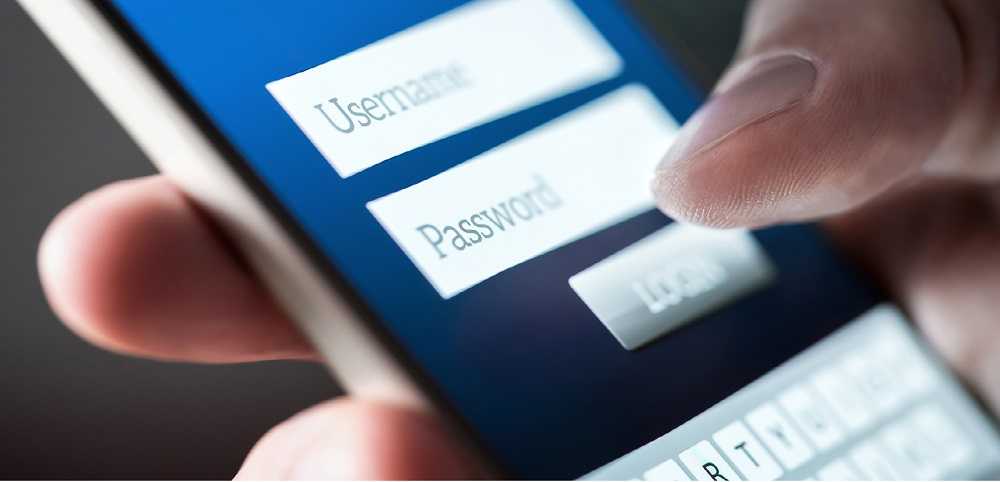
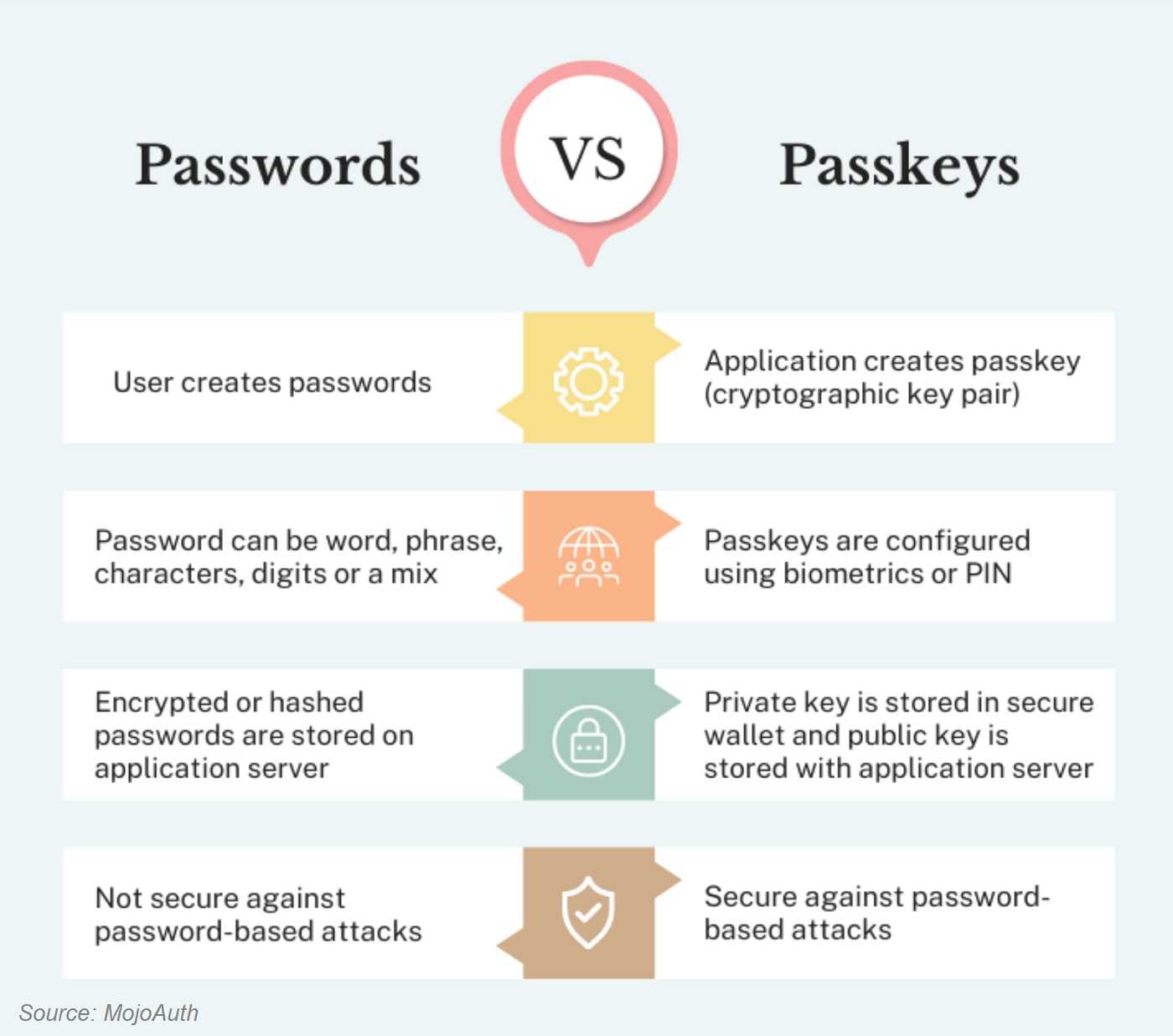
Passkeys are a type of authentication technology doing away with the risks of traditional logins. Using a passkey means no more logging-in with a password or username. It’s a kind of digital handshake between two forms of identity authentication.

The first authentication key uses your “biometric password” like facial or fingerprint recognition, called your “private key.” The second step uses a “public key” generated and stored by the website you’re logging onto. The private and public keys combine to create your passkey, assuring you are really you. The two keys “shake hands” to create a secure login.
Passkey Benefits

The following points to the ease and security of using passkeys.

  • Passkeys are convenient, with most systems syncing keys across all of your devices. No more guessing where your password is stored, using the same from phone to laptop.
  • Passkeys are site-specific. Hackers can’t trick you into using your passkey on a fraudulent website.
  • In a data breach, a hacker can’t steal the passkey to your account, keeping your data safer.

Not all websites use passkeys yet. You’ll still have to go the traditional password route, but more websites are signing up every day. However, cybercriminals love finding ways around password safeguards, and passkeys are not immune. Cookie hijacking is trending at the moment, so here’s what you need to know.

Cybercriminals use malware to hijack a user’s valid browser cookies and get past a passkey. Always choose for cookies to expire after a short time, or periodically delete them from your browser. It’s a small price to pay for using passkeys and the strong security they provide. So, say goodbye to passwords and hello to passkeys!


 Storing Passwords In Your Browser…It’s Convenient, BUT Very Risky Too

Your Security

Storing Passwords In Your Browser…It’s Convenient, BUT Very Risky Too

Most of us know that password fatigue can lead to security mishaps and that creating a safe and secure entrance into our personal or work accounts can be a real challenge. Fortunately, security experts also know that safe password use has long been a problem, one that can lead to epic malware infections like ransomware, banking trojans, and more. Popular browsers like Chrome, Firefox, Safari, and Opera offer the option to store passwords for you, but hackers using the malware “RedLine Stealer” can hijack those stored passwords in a heartbeat. READ FULL STORY

AI-Generated Phishing — The Security Landscape Changes

Scams & Phishing

AI-Generated Phishing — The Security Landscape Changes

Phishing scams, the scourge of businesses everywhere, are getting a facelift thanks to generative AI. Already the reason for 90% of all data breaches, phishing is getting much more difficult to spot thanks to generative AI. Traditional ways of identifying phishing scams are becoming obsolete and businesses are in the crosshairs of this new generation of phishing attacks. That's why creating a more effective response is in the best interest of every organization. READ FULL STORY

Protect Yourself From Phishing Scams: 8 Steps To Better Security

Scams & Phishing

Protect Yourself From Phishing Scams: 8 Steps To Better Security

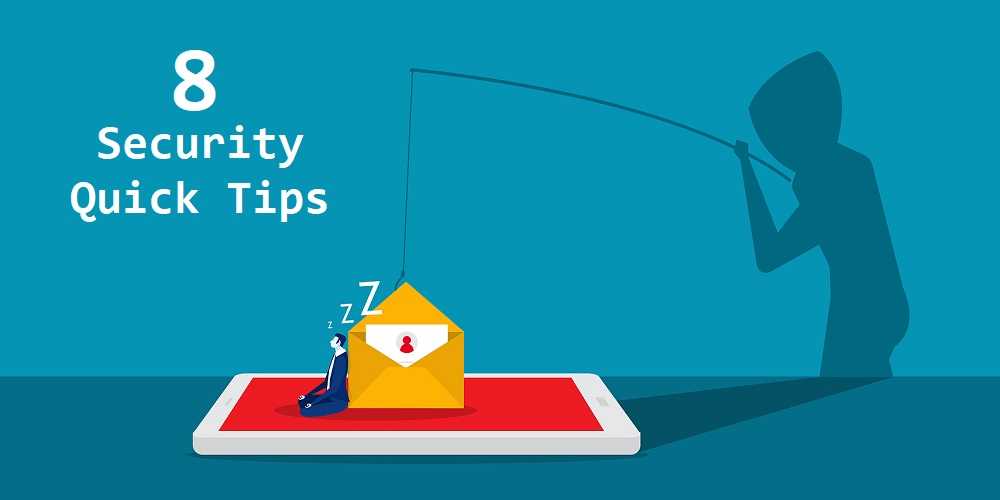
Since the mid 1990’s, email phishing scams have been on the rise. Like most cybercrimes, hackers have improved and refined their phishing methods over time. Now, there’s been a massive increase in targets due to the continuing coronavirus epidemic. Email phishing continues to be the method of choice for many cybercriminals to enter your device, steal your data, identity, finances, and more. A study by Tessian finds that 96% of phishing attacks arrive via email, showing the threat is very real. READ FULL STORY

How To Create A Strong And Unique  Password For Every Account

Education

How To Create A Strong And Unique Password For Every Account

Most of us know by now not to use the same passwords for different accounts; yet some of us still do. But users who continue to use passwords they know have been exposed in a hack are truly flirting with danger. In a recent study, Google found 1.5% of passwords are still being used despite those users knowing they’ve been compromised. A security researcher discovered more than 22 million unique passwords and over 770 million email addresses were made public on a popular hacker forum earlier this year. READ FULL STORY

Your Data For Sale On The Dark Web And What You Can Do About It

Identity Theft

Your Data For Sale On The Dark Web And What You Can Do About It

As much as we love the convenience of our digital world, we know a hefty price tag can come with it. The world is full of bad actors whose goal is to get their hands on our sensitive, personally identifiable information, or PII. Should you find your PII is for sale on the dark web, it helps to know there are options for doing something about it, even if you think it’s too late. Just some of that hijacked PII can include passwords, email and physical addresses, Social Security numbers, financial accounts, and much more. READ FULL STORY


Close
Fraud News & Alerts!

Keep up with the latest cyber security news through our weekly Fraud News & Alerts updates. Each week you will receive an email containing the latest cyber security news, tips and breach notifications.


You're all set!

You will receive your first official security update email within the next week.

A welcome email has also just been sent to you. If you do not receive this email within the next few minutes, please check your Junk box or spam filter to confirm our emails are not being blocked.


Help  
Enter any word or words you like.        

The email newsletter will arrive from news@stickleyonsecurity.com


Loading
Please wait...