Accessibility links
  • Skip to main content
News Icon NEWS FILTER
All News Scams & Phishing Security Education Videos Mobile Security Your Security Education Identity Theft Corporate Security
Search Icon SEARCH
 

Email Icon SUBSCRIBE TO WEEKLY NEWSLETTER
Is Your Computer Hacked? The Clues and Tips You Should Know
Facebook   X   LinkedIn   Email

Is Your Computer Hacked? The Clues and Tips You Should Know

January 20, 2026

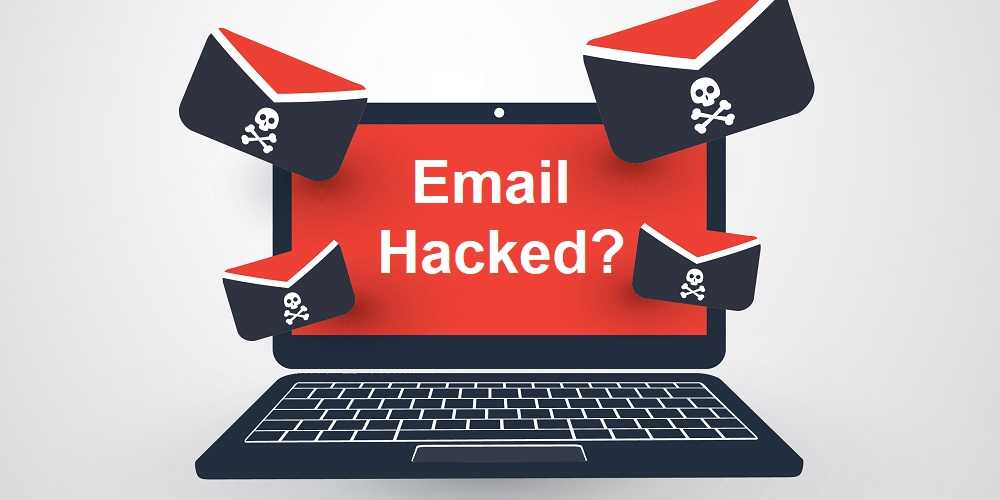
Wondering if your computer might be a hacking victim is an uneasy feeling at best. The signs and symptoms are there, and you need to know what they are and what to do about them. It’s a kind of one-two punch to hackers from you and your device. 

Hacking Clues

If you find any of the following hacking clues happening with your computer, always double check you and your device first. That’s because some of these clues could unknowingly be due to your own actions and not a hacker’s. 

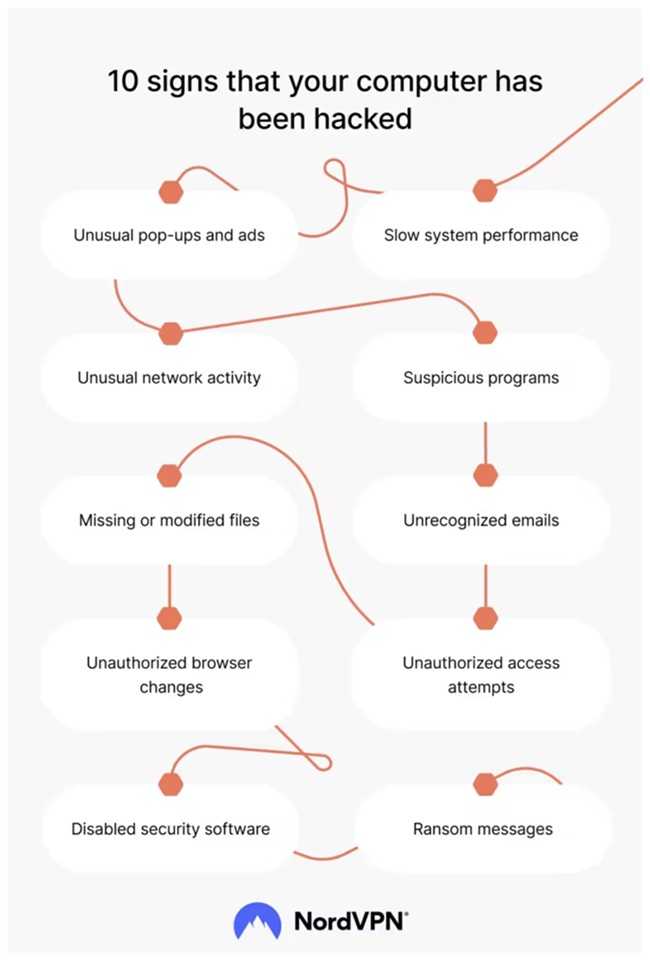
  • Apps crash and your computer freezes
  • The webcam light is on, and you don’t have a clue why
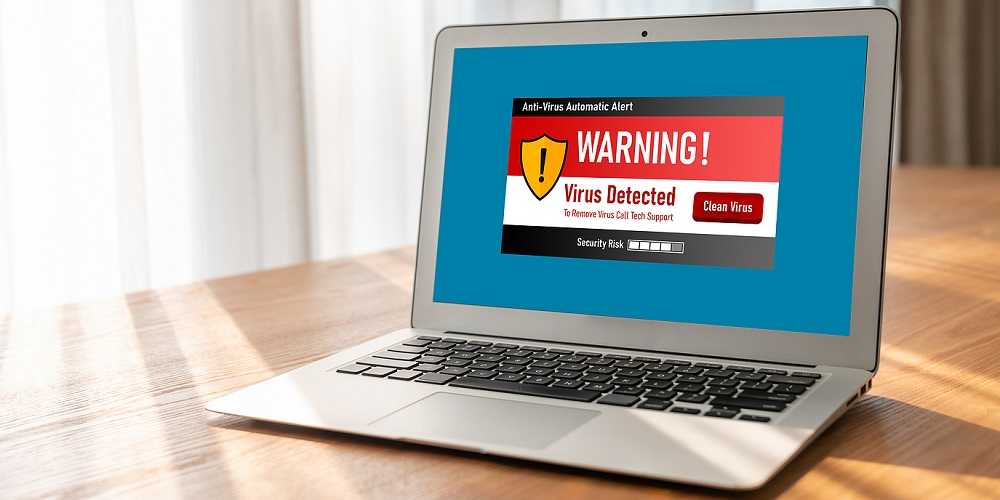
  • Notices saying your antivirus software is disabled
  • Strange browser pop-ups and even stranger apps show up on your desktop
  • Your browser’s home page changed, including extensions and search engine
  • Your device is sluggish, and apps and web pages take a long time to open
  • Account passwords changed, and unusual emails are sent to and from your inbox

What to Do

Treating a hacked computer begins with preventing one in the first place. It takes a promise to use cyber-smarts daily, and bolstering your device with security software. 

  • Run your anti-virus often and always keep it updated.
  • Always be on the lookout for phishing in all forms: Vishing, email phishing, and smishing.
  • Make sure a webcam light being on isn’t from staying logged into a webinar or online meeting. Close out the browser or log off.
  • Always keep updates and security patches applied in a timely manner.
  • Malware alone can mean disaster for your devices, so always be careful to download apps from the official app stores for your devices and never sideload from third-party sites.

Remember that some updates to your operating system may make your computer slower for various reasons. However, sometimes it may be due to something malicious.  If you cannot figure it out yourself, take it to a technical support specialist and have them check it out. If all else fails, you may need to reinstall the operating system. 

Being proactive about security goes a long way protecting your computer. But keep in in mind some hacks won’t leave a footprint, so always trust what your gut and Spidey-sense are telling you.


Slow Browser? It May Have Been Hijacked By Malware

Your Security

Slow Browser? It May Have Been Hijacked By Malware

Before calling your internet provider to complain about a slow browser think about this:  It’s no secret malware loves to hide in all kinds of things like adware, spyware, scareware, and fake browser updates. Finding your browser is not only slow, but also acting strangely is a sign something isn’t quite right. If after going through the internet provider's standard toolbox for troubleshooting doesn't help, it’s time to think about malware. READ FULL STORY

Has Your Email Been Hacked? Here’s How You Can Tell And What You Can Do

Your Security

Has Your Email Been Hacked? Here’s How You Can Tell And What You Can Do

There are any number of signs that may give you a clue that your email has been hacked. And what do you do if it has? You may wonder what you can do if you suspect that’s the case. Let’s go over a few indicators of a compromised email box and what you can do about it, if it happens to you. Fortunately, there are some indicators for to watch out for and we can provide some suggestions on how to tell and what to do if you do think someone has been in your inbox. READ FULL STORY

Good Security Habits Can Go A Long Way In A New Year

Your Security

Good Security Habits Can Go A Long Way In A New Year

It’s a new year! And while everyone will face new cyber risks going forward, it makes it more important than ever for individuals to assume responsibility for safeguarding their devices and data. Threats stay the same, but they also evolve to become more dangerous and new ones pop up like the cork of a champagne bottle. Protecting yourself from all of this begins with education and heeding the advice of cybersecurity experts. While we all think we know all of this already, anyone can become a victim of cybercrime when the circumstances are right. READ FULL STORY

You've Got Malware, We've Got Help

Your Security

You've Got Malware, We've Got Help

The world of mobile viruses can be a bit confusing, right? Don't worry, we’ve got you. While your phone can fall victim to malware, it's highly unlikely that it’s going to result in an unrecoverable situation. What you may encounter are things like adware, bloatware, or those pesky pop-ups that drive you nuts. There is no shortage of those these days. These all can hitch a ride from third-party websites, apps, or even those suspicious email and text messages you receive all the time. But here we are to help! READ FULL STORY

Akira Ransomware Outsmarts Microsoft Defender—Here’s What You Can Do

Your Security

Akira Ransomware Outsmarts Microsoft Defender—Here’s What You Can Do

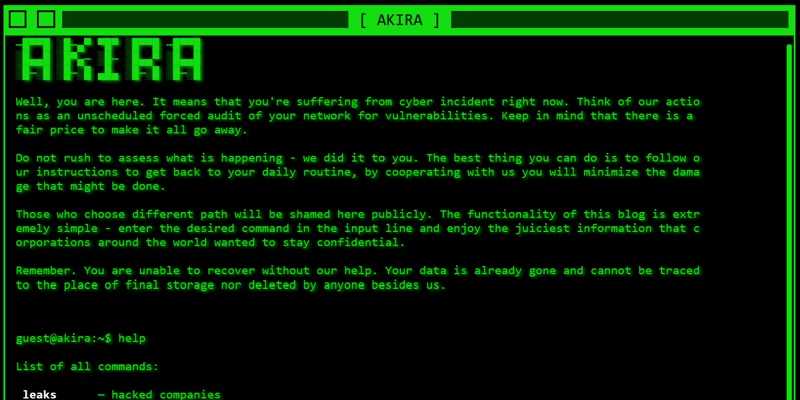
Imagine grabbing a coffee while your computer’s strongest guard—Microsoft Defender—gets quietly shut down. That’s the trick the Akira ransomware gang is pulling off. By abusing a legitimate Intel driver, they gain deep system access, flip off Defender’s protections, and unleash ransomware without raising alarms. The result? Encrypted files, stolen data, and chaos. According to security researchers, Akira performs a sneaky two-step trick. READ FULL STORY


Close
Fraud News & Alerts!

Keep up with the latest cyber security news through our weekly Fraud News & Alerts updates. Each week you will receive an email containing the latest cyber security news, tips and breach notifications.


You're all set!

You will receive your first official security update email within the next week.

A welcome email has also just been sent to you. If you do not receive this email within the next few minutes, please check your Junk box or spam filter to confirm our emails are not being blocked.


Help  
Enter any word or words you like.        

The email newsletter will arrive from news@stickleyonsecurity.com


Loading
Please wait...