QR Code Scanning Scams – How To Use QR’s Safely And Securely
September 30, 2025
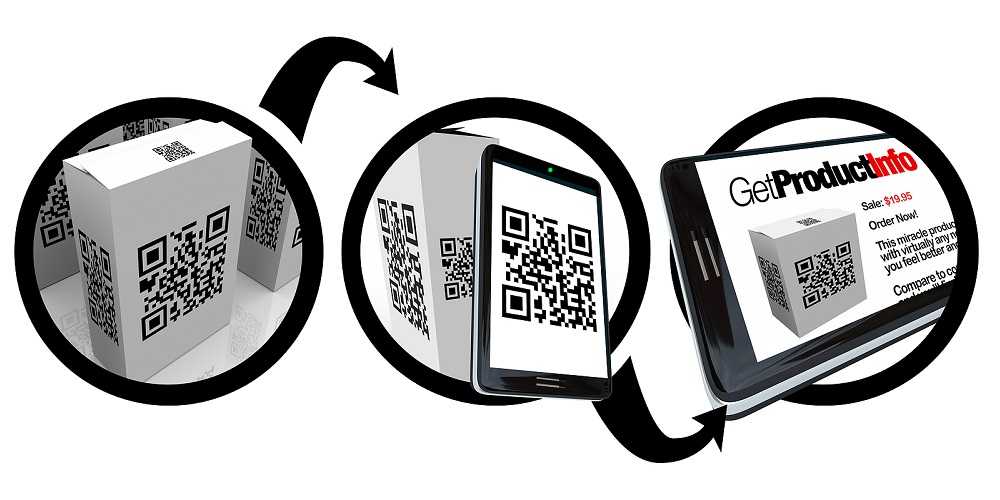
In our never-ending pursuit of info-quick technology, QR (quick response) codes have found a huge following. In return, these codes seem to be everywhere and on everything. From TV screens to product packaging, web pages, and more, QR codes are easy to find. But like most technology we’ve grown to love, cybercriminals love it too but for very different reasons.
 The QR-secure tips below can help scan fans stay safer and enjoy the benefits of this quick response technology.
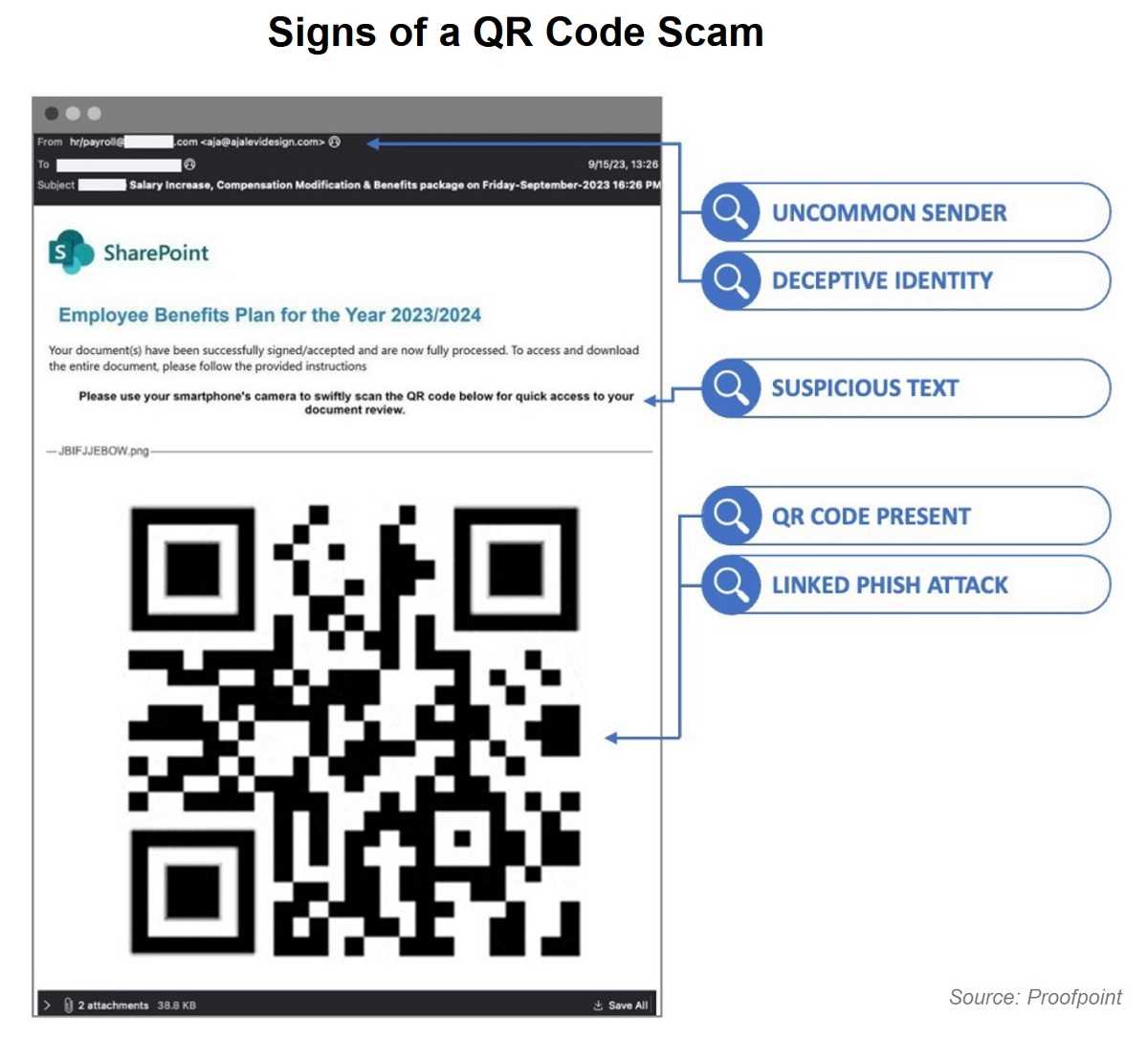
- Question QR code security like you do other tech tools – with a healthy dose of skepticism. Like suspected phishing emails and texts, QR codes need the same secure approach to ferret out the suspicious from the safe. That’s because a malicious QR code leads where other risky moves can take you – directly to the hacker’s web. Stealing PII, passwords, money, and infecting your device with malware are all possible, similar to phishing risks. Even if the QR comes from a friend, their device or account may have been compromised, so always verify the source before scanning.
- QR’s found in public places should be closely examined for signs of tampering. Hackers are known to use a malicious QR code to cover the original on posters, flyers, menus, and other items in the public sphere. Check carefully for signs a QR was manipulated, looking odd or out of place, or being too big or small. Like QR’s arriving via a suspect source, check them carefully before scanning.
- When the QR scan brings you to a web page, carefully check the URL spelling. Hackers spell them using a sneaky, slight difference that closely resembles the real URL. It brings you to a hacker-created web page designed to steal PII. These website “spoofs” are designed to mirror what you expect to see and trust. But when your bank or other essential accounts get spoofed, entering your login and other data sends it to the criminal who can use it for further crimes targeting you.
- Before you download a QR scanning app, check the camera on your device. Many come with the QR scanning feature already installed, so there’s no need to risk downloading a malicious app. If not, always stick with the official Google and Apple stores (or whatever is official for your device) for QR and other apps. Third-party stores are uncertain sources known for carrying malicious apps, so never use these unofficial stores.
- Be cyber-smart about your reason for scanning a QR code. Scanning one for quick information should be harmless enough. However, using them to pay bills, make purchases, and other activities involving finances and other PII is risky since the site could be a fake. Instead, type in the legitimate address yourself and bookmark it for future visits. When it comes to QR codes, some conveniences aren’t worth the risk so choose your reasons wisely.
- Keeping your device software updated and using an anti-virus solution is a secure start for all online travels. Updates fix security flaws and anti-virus software helps keep malware off of your device, so never wait to update.
In a world where scanning a QR code can get you more than you intended, thoughtful security-minded actions help save the day.

 SUBSCRIBE TO WEEKLY NEWSLETTER