Accessibility links
  • Skip to main content
News Icon NEWS FILTER
All News Scams & Phishing Security Education Videos Mobile Security Your Security Education Identity Theft Corporate Security
Search Icon SEARCH
 

Email Icon SUBSCRIBE TO WEEKLY NEWSLETTER
Akira Ransomware Outsmarts Microsoft Defender—Here’s What You Can Do
Facebook   X   LinkedIn   Email

Akira Ransomware Outsmarts Microsoft Defender—Here’s What You Can Do

October 28, 2025

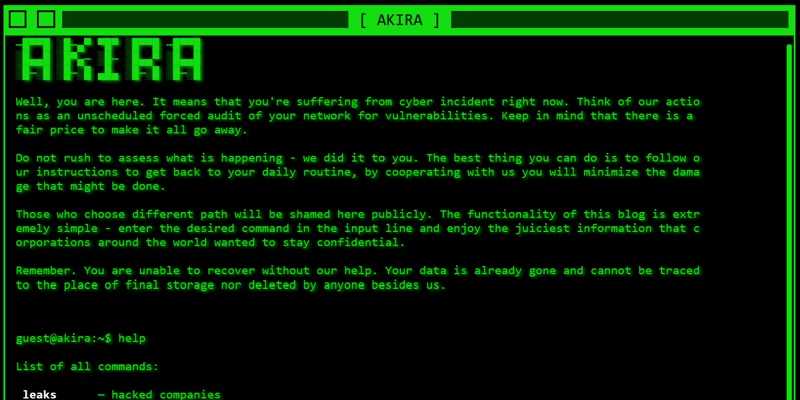
Imagine your computers' defense against malware, in this case Microsoft Defender, getting turned off while you stand by recharging yourself by refilling your coffee mug. While in most cases, having hands-free ways to accomplish our daily tasks is good, in this case—not so much. But, that’s exactly what the Akira ransomware gang figured out how to do, and they are doing it.

According to security researchers, and reported by Bleeping Computer, Akira performs a sneaky two-step trick. First, they install a legitimate Intel driver offered up as a service to gain deep “kernel-level” access to your system. That’s the most generous possible level that gives them the keys to the kingdom. Once they get that, they load a malicious partner driver that flips Defender’s anti-spyware settings off by tweaking your system registry—basically telling Defender to go to sleep—even while your system looks “protected.” This is a classic Bring Your Own Vulnerable Driver (BYOVD) move. Yes, there’s an acronym for everything these days.

What happens if they pull this off?

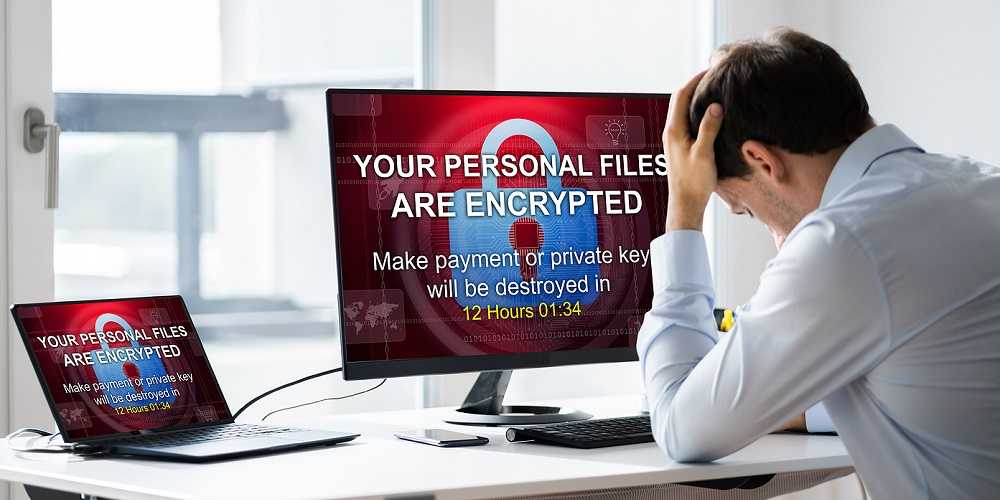
With Defender out of the way, ransomware can wander in unhindered, encrypting your files, exfiltrating data, and causing serious damage—without raising a red flag.  The attackers can do whatever they want to do.

Here’s what you can do to stay safe:

  • Avoid downloading software of any kind from unofficial or unverified sources. Stick to trusted sites only. On your mobile devices, this means using only the official app store for your device.
  • IT teams: Watch for suspicious activity tied to those driver names, service registrations, and file paths.
  • Keep Defender, Windows updates, and your security tools fully updated, regardless of what type of operating system you’re using, including those on Apple devices. Even good tools can be turned against you if they’re outdated.

Bottom line: Akira got clever—and so should you. Don’t let malware sneak in through the back door. Stay updated, stay vigilant, and keep your devices updated at all times.


BOLO for These Most Dangerous Email Attachments

Scams & Phishing

BOLO for These Most Dangerous Email Attachments

Keeping a lookout for suspicious emails has become a daily consequence of our cyber lives. Phishing emails are notorious for having malicious attachments and opening them is a sure way to compromise your device and its data. These attachments are full of malware, ready and waiting to infect your system with a simple click. Make no mistake, any attachment in a questionable email can be dangerous. However, researchers at F-Secure found that some of this year’s biggest email spam campaigns used particular types of malicious attachments more than others. READ FULL STORY

Akira Ransomware Nets Attackers $42 Million

Corporate Security

Akira Ransomware Nets Attackers $42 Million

The FBI, Cybersecurity and Infrastructure Security Agency (CISA), Europol’s European Cybercrime Centre, and the Netherlands’ National Cyber Security Centre recently issued a joint statement to share critical intelligence on the Akira ransomware. The alert included Indicators of Compromise (IOCs) and Tactics, Techniques, and Procedures (TTPs) identified through FBI investigations and trusted third-party reporting up to February 2024. According to the statement, since March 2023, Akira ransomware has been busy impacting numerous businesses and essential infrastructure sectors across North America, Europe, and Australia. READ FULL STORY

Carbanak Is Back! Ransomware Group Reinvents Itself

Corporate Security

Carbanak Is Back! Ransomware Group Reinvents Itself

Since the arrest of Carbanak's leader five years ago, the notorious ransomware group is back with a vengeance. The Carbanak ransomware syndicate gained notoriety as a highly effective cybercrime ring targeting financial and banking institutions worldwide. And now, the group has reinvented its method of attacks to reemerge as yet another force to be reckoned with. The group recently shifted their ransomware attacks from financial targets to posing as business software like HubSpot and Xero on compromised websites. READ FULL STORY

What Is The Price Of The Average Data Breach? Awareness Training May Be The Key To Prevention

Corporate Security

What Is The Price Of The Average Data Breach? Awareness Training May Be The Key To Prevention

The price tag for a data breach went up this year, way up. Although the global average cost per breach is now a whopping $3.86 million, the average cost for the U.S. is $8.64 million, the most expensive in the world. IBM’s “2020 Cost of a Data Breach” report sheds light on the growing financial costs of a breach, having increased by more than $2 million each over the past two years. The report also finds employees are the costly reason behind enterprise data breaches. READ FULL STORY

Ransomware's 4 Favorite Entry Options And How To Counter Them

Corporate Security

Ransomware's 4 Favorite Entry Options And How To Counter Them

Studies show 41% of customers say they would stop buying from a business victim of ransomware. Attacks against small-to-medium sized businesses (SMBs) can be most catastrophic, with 65% closing their doors within six months of a ransomware attack. Ransomware is behind countless problems for businesses worldwide, including significant down-time, loss of reputation, and customers, and significant financial expense. Knowing the four most prevalent ways ransomware launches attacks is something every organization leader and IT department should know. READ FULL STORY


Close
Fraud News & Alerts!

Keep up with the latest cyber security news through our weekly Fraud News & Alerts updates. Each week you will receive an email containing the latest cyber security news, tips and breach notifications.


You're all set!

You will receive your first official security update email within the next week.

A welcome email has also just been sent to you. If you do not receive this email within the next few minutes, please check your Junk box or spam filter to confirm our emails are not being blocked.


Help  
Enter any word or words you like.        

The email newsletter will arrive from news@stickleyonsecurity.com


Loading
Please wait...